My Store
Excel - Beginner
Excel - Beginner
Couldn't load pickup availability
Are you ready to Learn to use Microsoft Excel like a Pro - Beginner Level? This comprehensive training course is designed for individuals who want to master Excel from the ground up. Whether you have minimal experience or none at all, this course will guide you through every facet of Excel, from basic operations to advanced features.
Course Highlights
- Step-by-step guidance from fundamentals to advanced usage
- Hands-on practice with real-world examples
- Learn how to create and manage spreadsheets efficiently
- Master essential Excel functions and formulas
Who Should Enroll?
This course is perfect for:
- Students looking to boost their academic performance
- Corporate employees aiming to enhance workplace productivity
- Anyone interested in improving their Excel skills for personal or professional use
Why Choose This Course?
By enrolling in "Learn to use Microsoft Excel like a Pro - Beginner Level," you will gain invaluable skills that are essential in today’s job market. Our easy-to-follow lessons ensure that you not only learn but also retain crucial Excel knowledge, empowering you to handle spreadsheets with confidence. Don't miss out on the chance to elevate your Excel expertise!
Curriculum:
Excel Fundamentals
- Launching Excel
- Start Up Screen
- The Excel Interface
- The Quick Access Toolbar
- The Ribbon
- Creating New Excel Workbooks
- Saving Excel Files
- Opening Excel Files
- Beginner Shortcut Keys
3. Entering and Editing Text
- Entering Text
- Working with Numbers
- An Introduction to Dates
- Find and Replace
- Sorting Data
- Working with Cell References
- Relative Versus Absolute Cell Reference in Formulas
- Understanding the Order of Operation
4. Basic Excel Functions
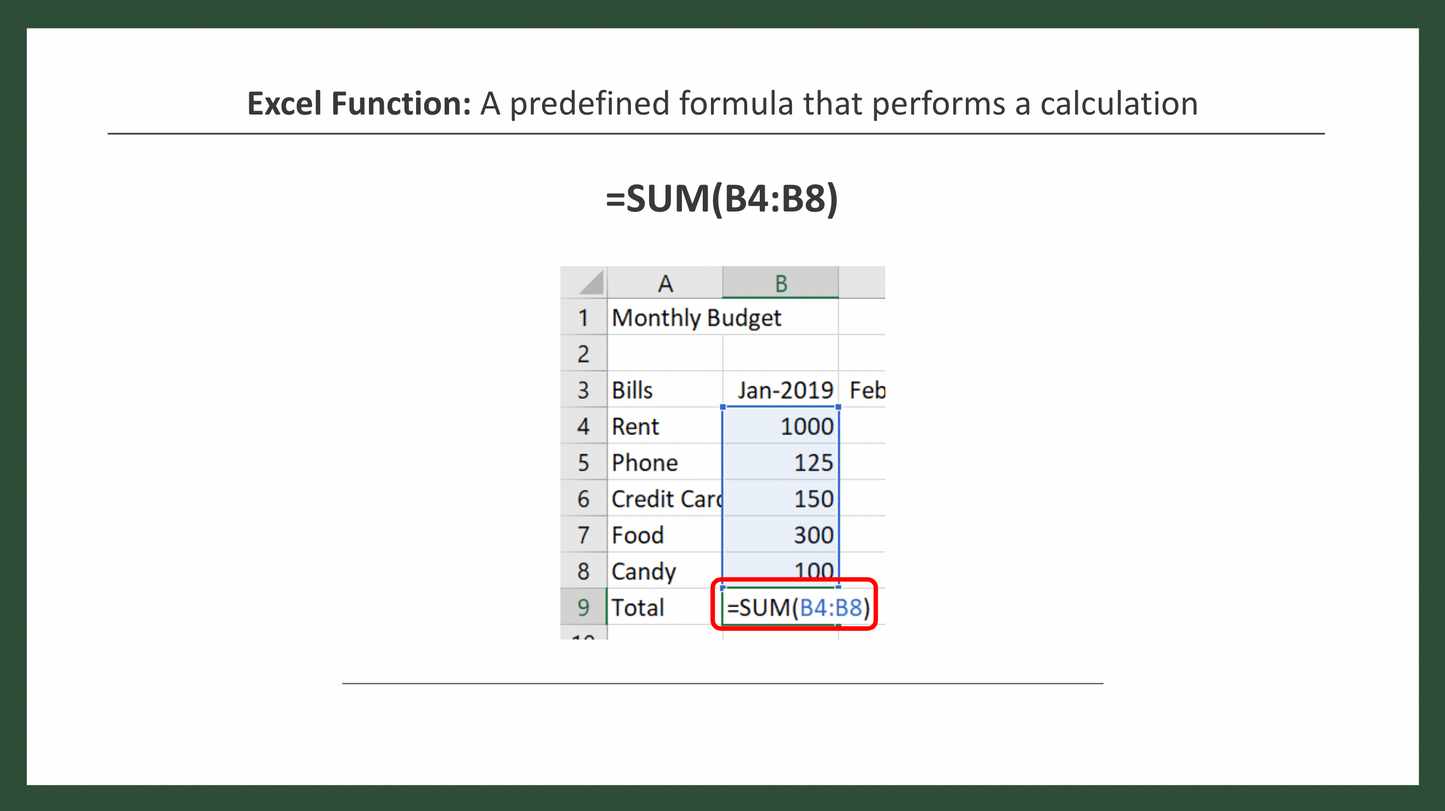
- The structure of an Excel Function
- Working with the Sum Function
- Working with Averages
- Working with Count and CountA
5. Modifying an Excel Worksheet
- Moving and Copying Data
- Inserting and Deleting Rows and Columns
- Changing the Width and Height of Cells
- Hiding and Unhiding Rows, Columns and Sheets
- Renaming Worksheets
- Deleting Worksheets
- Moving and Copying Worksheets
6. Formatting Data
- Adding Borders to Cells
- Formatting Percentages
- Merging and Centering Cells
- A Quick look at Styles
- Basic Conditional Formatting
7. Images, Shapes and Smart Art
- Inserting Images and Shapes
- Working with SmartArt
8. Printing in Excel
- Print Preview
- Margins, Scaling and Orientation
- Printing
9. Bonus # 1 - Advanced Pivot Tables
- Intro to Excel Templates
- Opening an Existing Template
- Creating a Custom Template
10. Excel Beginner - Conclusion
- Conclusion
Share