My Store
Excel - Advanced
Excel - Advanced
Couldn't load pickup availability
If you're looking to take your Excel skills to the next level, our course, Learn to use Microsoft Excel like a Pro - Advanced Level, is the ideal choice for you. Designed for individuals with intermediate knowledge or those who have recently completed our Intermediate Level course, this advanced training will empower you to master Excel like a professional.
Course Highlights
- Advanced Formulas: Dive deep into VLookUp and advanced VLookUps, as well as Index and Match techniques that will enhance your data analysis capabilities.
- Collaboration Tools: Learn how to track workbooks efficiently between teams, ensuring seamless collaboration and productivity.
- Workflow Automation: Discover methods to automate and streamline your workflow, maximizing your efficiency and effectiveness when using Excel.
Who Should Enroll?
This course is perfect for students and corporate employees eager to elevate their Excel skills and become proficient in advanced functionalities. Whether you're aiming for personal growth or seeking to enhance your professional toolkit, this course will equip you with the knowledge needed to excel.
Join us in the Learn to use Microsoft Excel like a Pro - Advanced Level course and unlock the full potential of Excel in your work and studies. Don't miss out on the opportunity to transform the way you handle data!
Curriculum:
- Excel - Advanced
- Excel Advanced Introduction
- Advanced Shortcut Keys
2. Working with Multiple Workbooks
- Tracing Precedents
- Tracing Dependants
- Watch Window
- Show Formulas
3. Protecting Worksheets and Workbooks
- Protecting Cells in a Worksheet
- Protecting the Workbook Structure
- Encryption with Passwords
4. Conditional Formulas
- Name Ranges
- Simple IF Function
- IF, AND
- IF, OR
- Nested Formulas
- CountIF and CountIFs
- SumIF and SumIFs
5. Advanced Functions
- IF and IS Error - Part 1
- IF and IS Error - Part 2
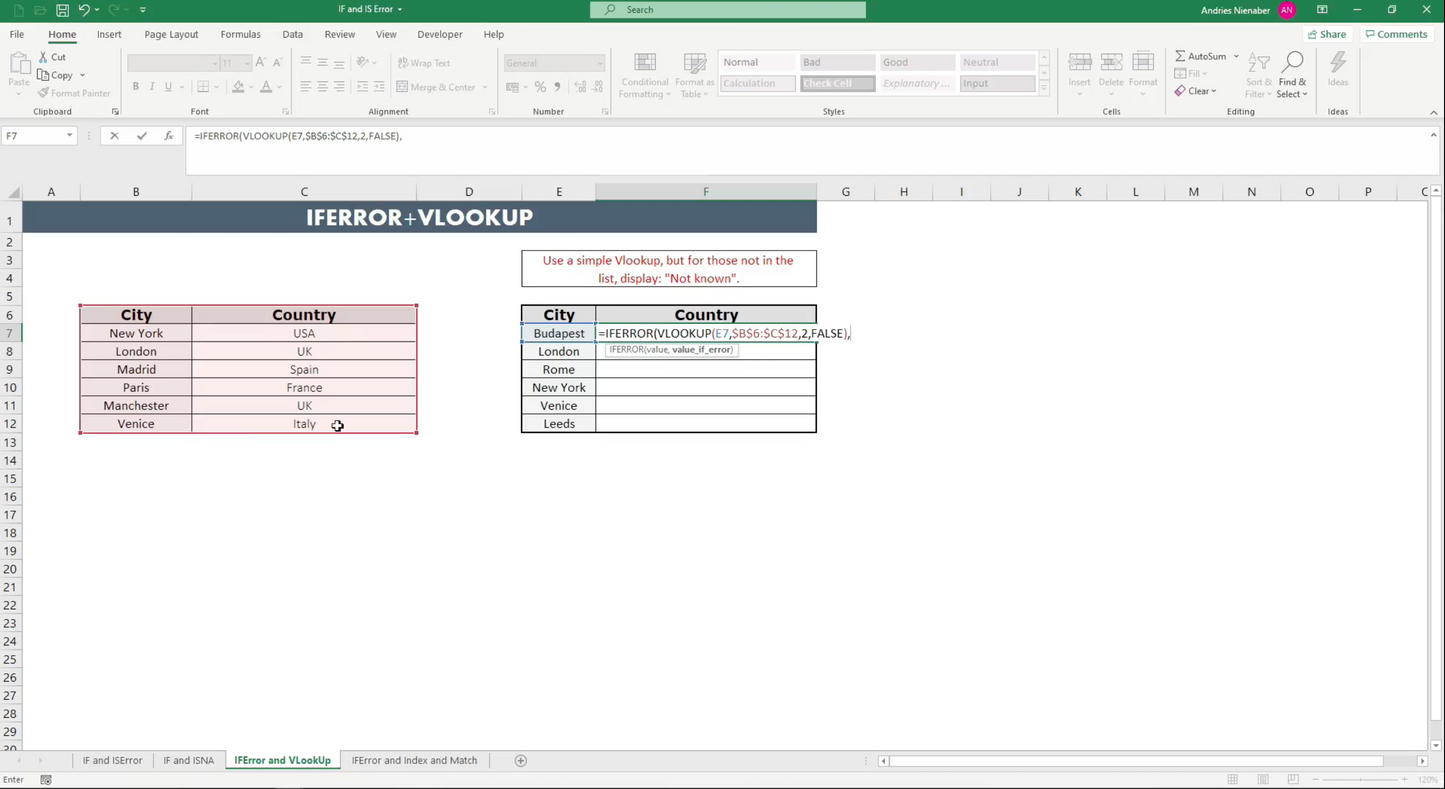
- Advanced VLookUp
- Advanced Index Match
- Dates - Part 1
- Dates - Part 2
- Replace and Substitute - Part 1
- Replace and Substitute - Part 2
6. Text Based Functions
- Left, Right and Mid Function
- Search Function
- Concatenate and Search
- Indirect - Static
- Indirect - Dynamic
7. What IF Tools
- Goal Seek
- Data Tables
- Scenarios
- Solver
8. Excel Advanced - Conclusion
- Excel Advanced - Conclusion
9. Bonus # 1 - Advanced Pivot Tables
- Building a Mini Dashboard
Share